
Start with the machine, then check the supply
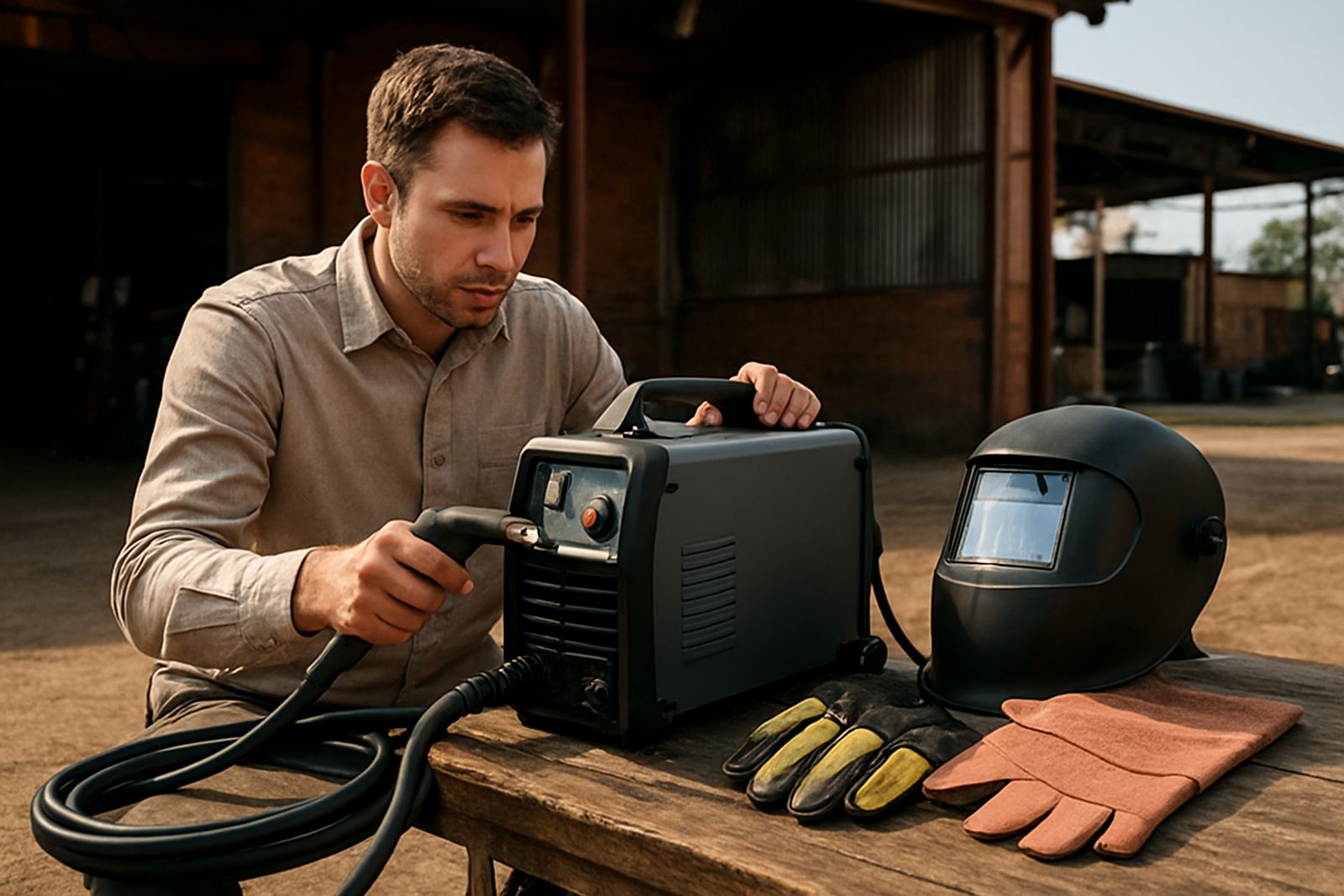
Plasma cutters do not all draw power the same way. A small handheld unit for light workshop work may run from a standard single-phase supply, while a CNC cutter for regular plate work often needs a stronger three-phase setup. Before you choose a machine, confirm what your workshop can actually support without nuisance tripping or overheated cables.
As a rule, match the machine to the work you do most often. Thin sheet, patch work and mobile repairs can suit a lighter unit. If you cut heavier plate, do repetitive production, or run a CNC table, the available amperage, duty cycle and input supply all need to be checked together.
Know what your site can handle
Many workshops in South Africa run more than one high-load tool at the same time, so the plasma cutter must share capacity with compressors, welders, grinders and extraction. A machine that looks right on paper can still struggle if the supply is weak, cables are too long, or the breaker size is guessed instead of measured.
- Check whether your Vereeniging or Free State workshop runs on single-phase or three-phase supply.
- Check the main breaker rating and the spare capacity on each circuit.
- Measure voltage at the socket while other machines are running.
- Look for signs of old wiring, hot plugs, or discoloured isolators.
- Plan around load shedding if you need stable output for training or production.
If the supply dips badly when the compressor starts, arc stability can drop and cut edges may need extra clean-up. In some cases the issue is not the cutter at all, but the workshop wiring feeding it.
Cable length, plug type and voltage drop
Long cable runs are a common cause of poor performance in Vereeniging, Alberton and older industrial units where the outlet is far from the machine bay. The longer the run, the more voltage drops before it reaches the cutter. That can lead to harder starts, rougher edges and unnecessary stress on the power source.
Keep the supply cable as short as practical and use the correct conductor size for the current draw. Do not rely on light extension leads for regular cutting, especially in warm workshops where cables already run hot. If a machine must be moved around, install proper points where needed rather than stacking leads and adaptors.
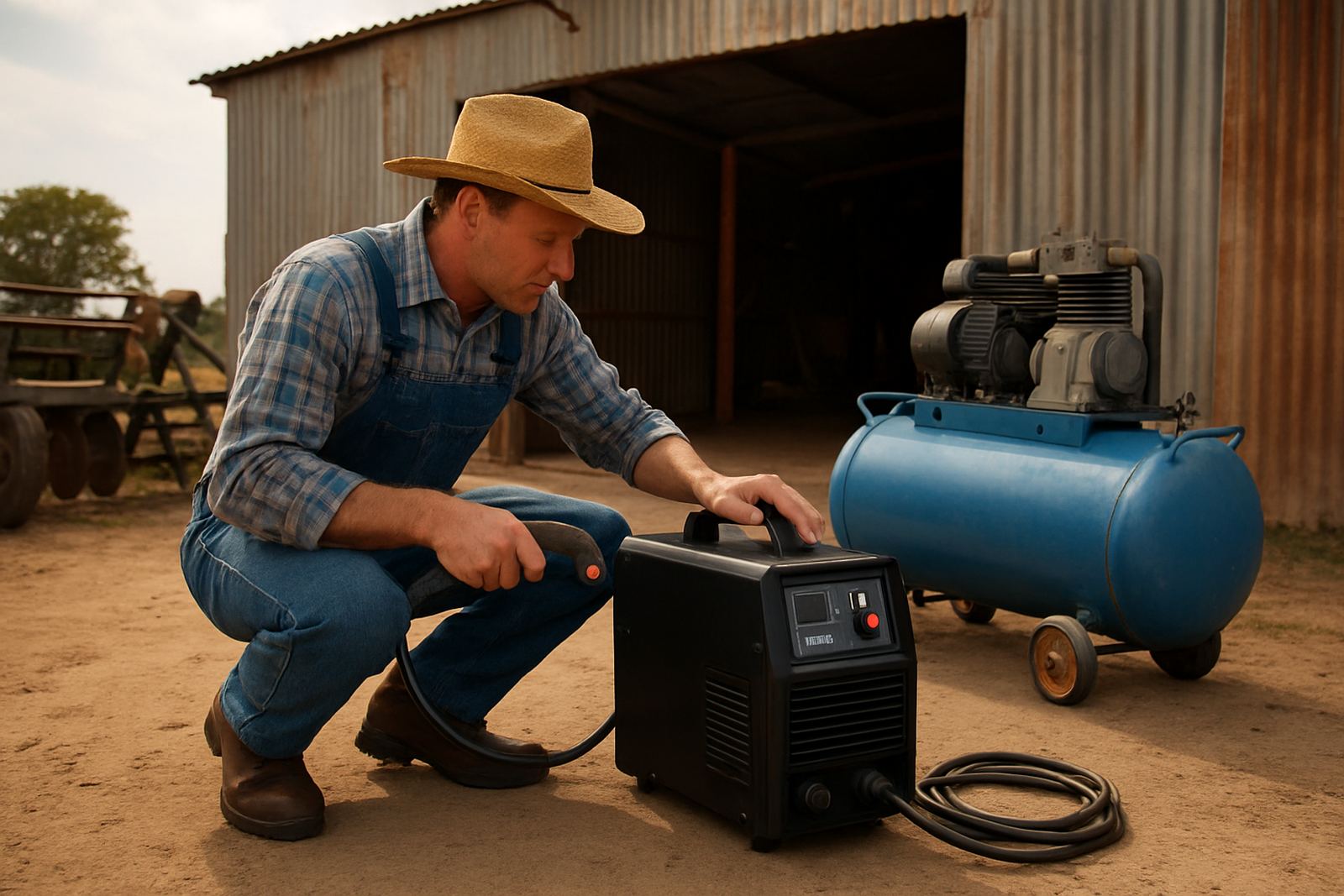
For mobile work or on site breakdowns, ask whether the available supply is stable enough for the machine you plan to use. A portable unit may still need a dedicated outlet, and a generator must be sized for the starting and running load, not just the nameplate figure.
Breaker size, earthing and safe installation
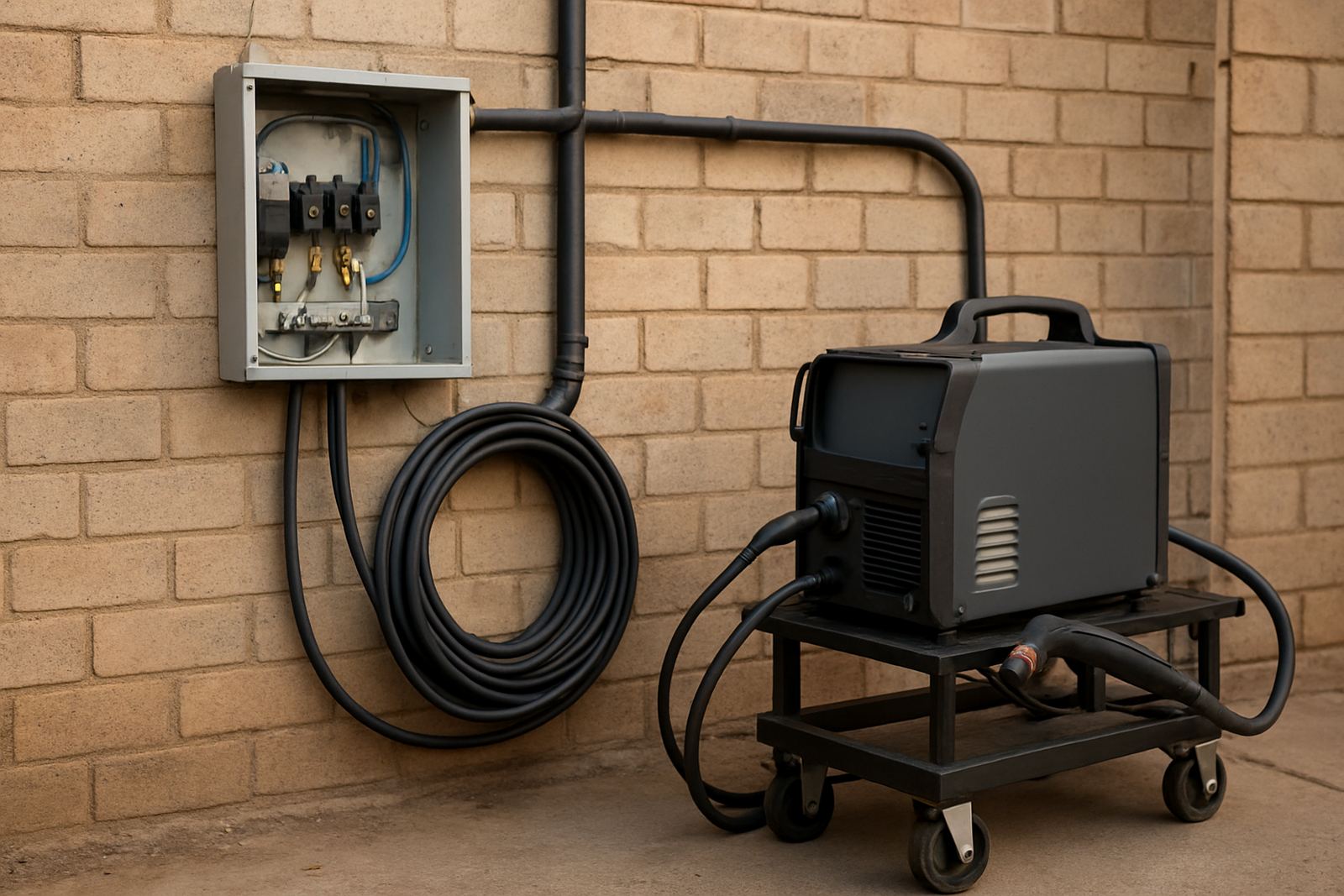
Breaker selection should protect the machine and the cable, while still allowing normal starting current. If the breaker is too small, it trips for no good reason. If it is too large, it may not protect the circuit properly. The same applies to earthing. A plasma cutter needs a proper earth connection to support stable operation and reduce nuisance faults.
When installing a new unit, have the supply checked by a competent electrician who understands industrial loads. In workshops close to the Vaal, moisture and dust can also affect sockets, isolators and terminal blocks, so enclosure rating and maintenance matter as much as the machine itself.
- Use the correct breaker rating for the machine and cable size.
- Fit a proper isolator where the machine is installed.
- Confirm that earth continuity is sound from board to point of use.
- Keep connections dry, clean and free of carbon build-up.
Three-phase planning for CNC tables
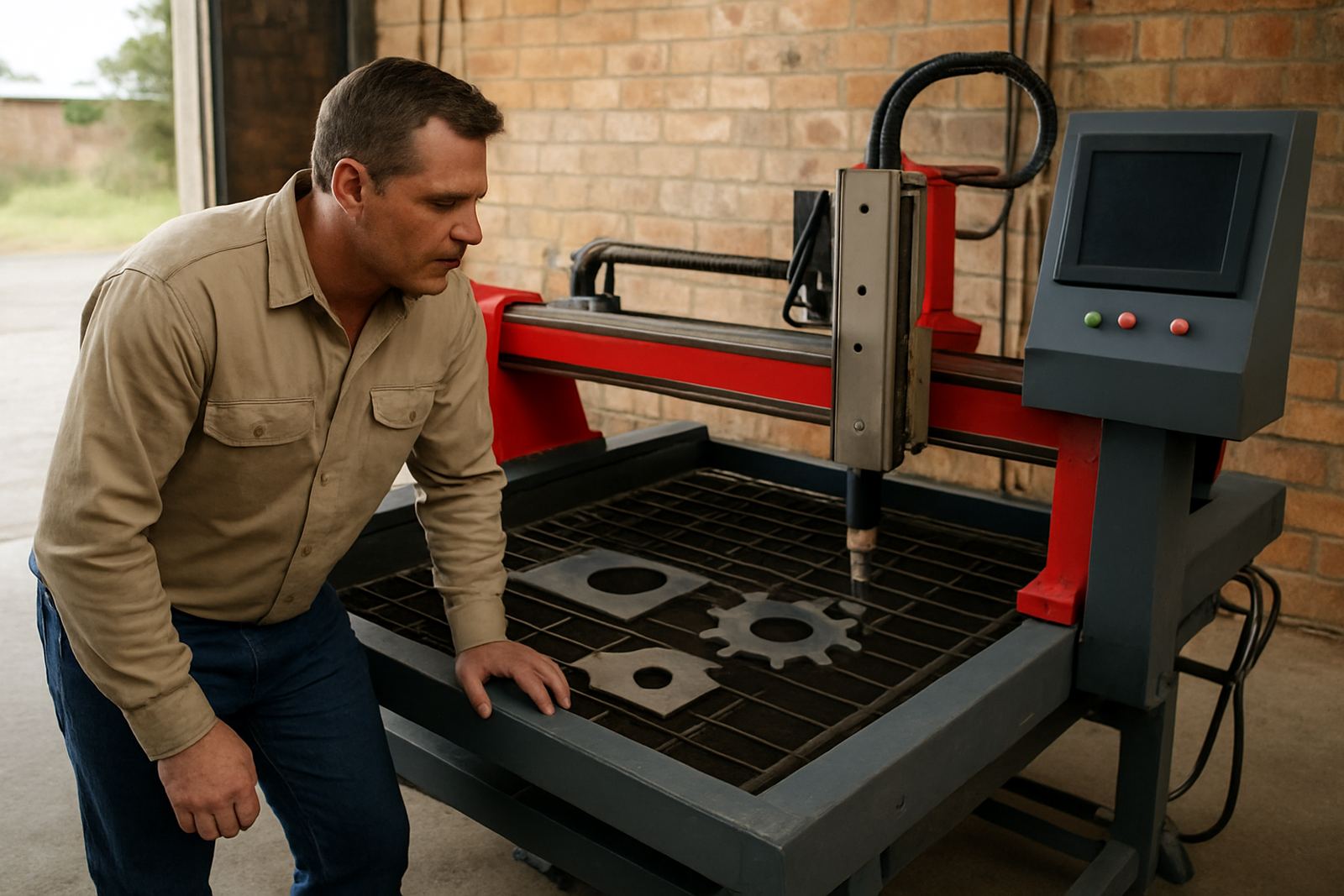
CNC plasma tables place more demand on the workshop than a handheld cutter because the power source, motion system, height control and air supply all have to work together. For this reason, a stable three-phase supply is often preferred where regular production is planned. It gives better headroom and can reduce the strain that comes with repeated starts and longer cutting cycles.
Before commissioning a table, make sure the electrical point matches the full installation plan, not just the plasma source. Allow for control electronics, extraction, air compressor and any future accessories. If the table will run in a shared bay, leave space for clean cable routing and avoid running signal cables alongside high-current lines where possible.
For sites in Bloemfontein or Welkom where power quality can vary, it helps to test under real conditions rather than assuming the site supply will hold once cutting begins. That extra check can save a lot of downtime later.
A practical pre-installation checklist
Before delivery or commissioning, walk through the workshop and confirm the basics. This avoids delays on the day and helps the team plan where the machine will sit, where cables will run, and how maintenance will be done later. It also gives a clear picture of whether the current supply is enough or whether an upgrade is needed.
- Confirm the voltage available at the intended machine location.
- Check the breaker board for spare capacity and correct labelling.
- Verify earthing points, isolators and outlet condition.
- Measure the distance from board to machine position.
- Allow space for ventilation, air line routing and safe operator access.
- Note any load shedding backup or generator use that may affect operation.
If you are unsure, it is better to pause and check than to force a machine onto a marginal supply. Small electrical issues usually become bigger once production starts.
When to call for an on site check
If your cutter trips, starts poorly, or loses cut quality after moving to a new bay, the supply should be checked before the torch or source is blamed. The same applies when a CNC table is being commissioned, when a workshop has had electrical work done, or when older equipment is being brought back into service. A proper site check can pick up loose connections, weak breakers, cable damage and air system problems at the same time.
PlasmaCutter supports workshops across Vereeniging, Vanderbijlpark, Sasolburg, Meyerton, Alberton, Germiston, Bloemfontein and Welkom with demos, servicing and breakdown support. If you need help planning a new install or checking an existing one, use the enquiry form on our contact page and we will guide you through the next steps.